> ## Documentation Index
> Fetch the complete documentation index at: https://docs.plannotator.ai/llms.txt
> Use this file to discover all available pages before exploring further.
# How to Compound Feedback with Plannotator
> Use Plannotator's local compound skill to find repeated plan-review feedback and turn it into review instructions backed by your own archive.
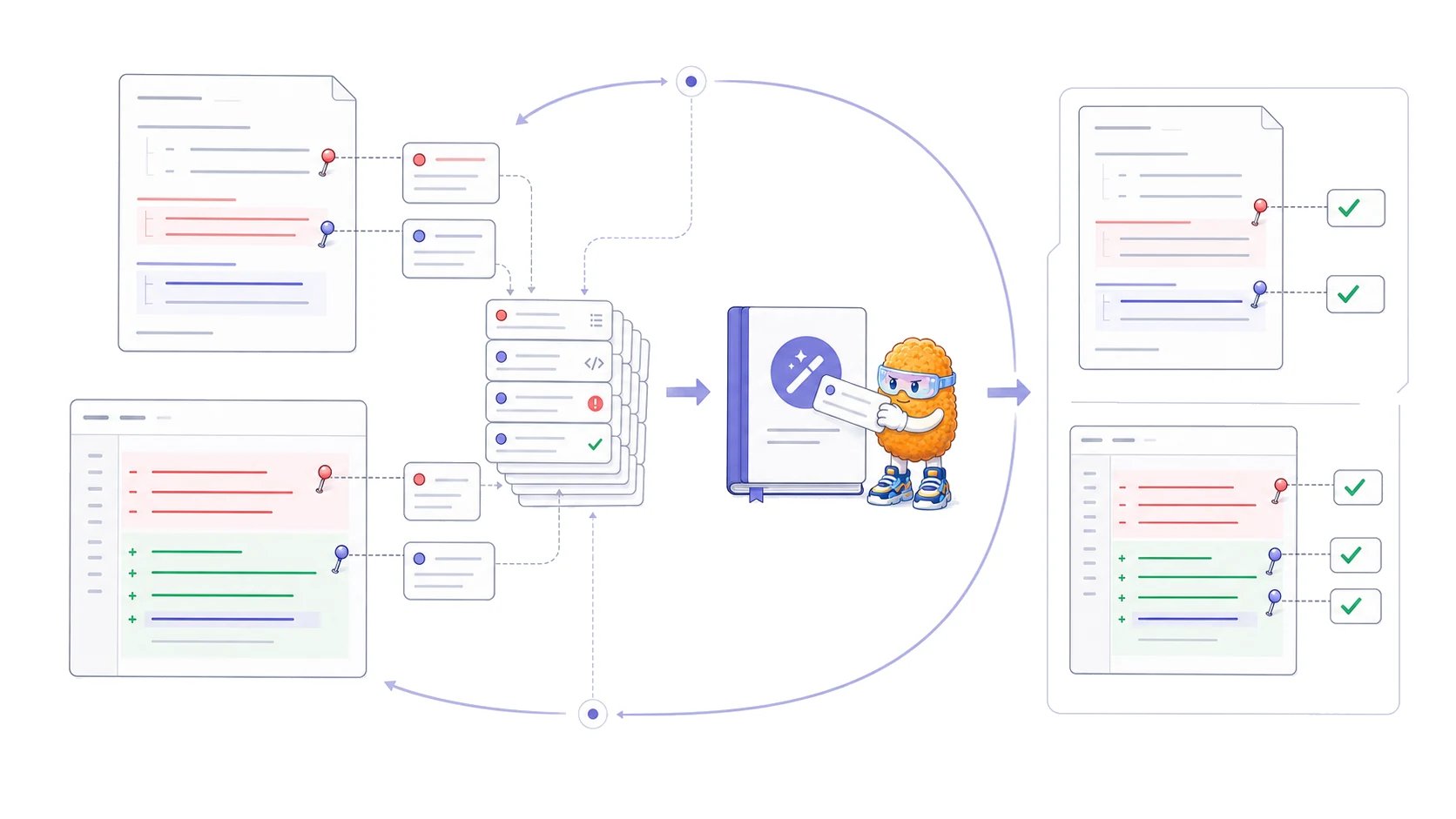
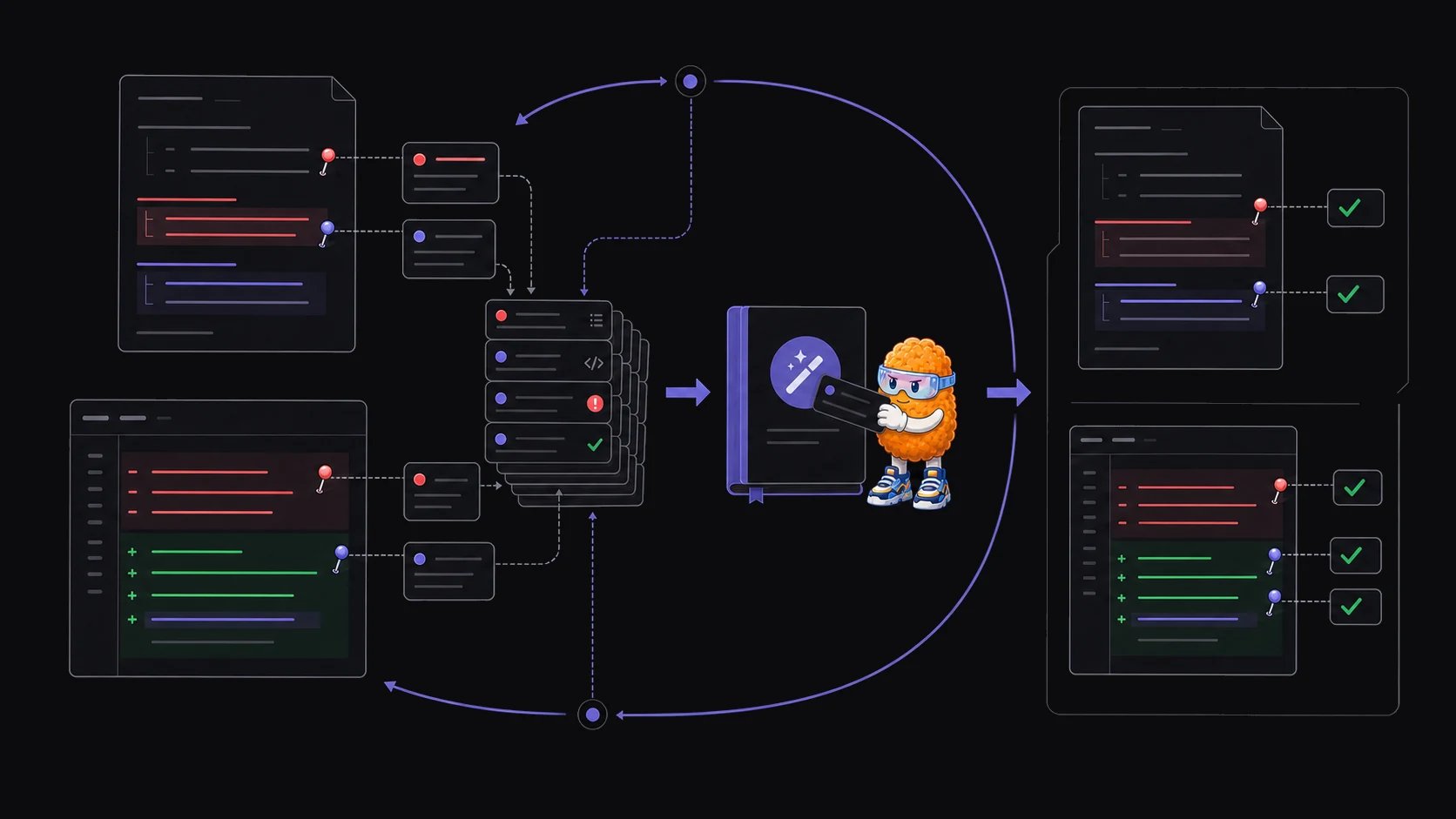
Plannotator's local `plannotator-compound` skill analyzes your saved plan-review history and produces a report of recurring feedback patterns. You can then turn well-supported patterns into instructions for future planning sessions.
*Last reviewed July 18, 2026. Maintained by the Plannotator project.*
The skill works with files already on your computer. It reads denied-plan files under `${PLANNOTATOR_DATA_DIR:-~/.plannotator}/plans/` when they are available. If that archive has no denied plans, it can fall back to Claude Code `ExitPlanMode` outcomes under `~/.claude/projects/`.
 ## Install the skill
The compound skill is an optional extra. Install the extra Plannotator skills with the [Skills CLI](https://skills.sh/):
```bash theme={null}
npx skills add backnotprop/plannotator/apps/skills/extra
```
Invoke it from an agent that supports installed skills:
```text theme={null}
/plannotator-compound # Claude Code
$plannotator-compound # Codex
```
Kiro CLI receives the extra skills through the normal Plannotator installer.
## What the skill reads
The first source is the local Plannotator plan archive:
```text theme={null}
${PLANNOTATOR_DATA_DIR:-~/.plannotator}/plans/
```
The analysis reads `*-denied.md` files. Each denied file contains the plan and the feedback returned during review. It ignores separate annotation files so the same feedback is not counted twice. Approved plans are counted for summary statistics, but their contents are not part of the denial-pattern analysis.
If no Plannotator denial archive exists, the bundled fallback parser extracts human-authored `ExitPlanMode` denial reasons from Claude Code's local JSONL history. The raw transcripts stay local.
The skill reads review history that may contain private plans, comments, paths, and repository details. Review the generated report before sharing it.
## Run a compound analysis
The skill looks for a Plannotator denial archive first, then offers the Claude Code fallback. If neither exists, it asks you for a directory instead of guessing.
It counts approved and denied plans, reports the date range, and calculates how often plans were revised before coding.
It reads every denied plan in scope, captures the reviewer's actual language, and groups recurring denial reasons, specific requests, and structural preferences.
The skill writes a self-contained HTML report into the plans directory. The report includes counts, source quotes, changes over time, and candidate prompt instructions.
Keep only patterns supported by several examples. Remove one-off preferences, obsolete decisions, and instructions that belong to one repository or task.
If the skill finds an earlier compound report, it asks whether to analyze the full archive or only review files newer than that report. An incremental run with fewer than three new denials warns that the evidence may be too thin.
## Optionally improve future plans
After showing the report, the skill asks whether to save its corrective instructions as an improvement hook:
```text theme={null}
${PLANNOTATOR_DATA_DIR:-~/.plannotator}/hooks/compound/enterplanmode-improve-hook.txt
```
Plannotator can inject that file into future planning sessions so the agent sees the curated instructions before writing a plan. If a hook already exists, the skill asks whether to replace it, merge the new instructions with it, or keep the existing file.
Enabling the hook is optional. Read the instructions first. Delete or revise them when your repository, architecture, or review standards change.
## What the report can establish
The report can show repeated feedback in the selected local archive. It cannot prove that every pattern should become a permanent rule.
Use these checks before adding an instruction:
* Does the report cite several independent examples?
* Is the pattern still current?
* Does it apply broadly, or only to one project or task?
* Would a deterministic lint rule or test enforce it more reliably?
* Can a future maintainer trace the instruction back to source evidence?
Keep the report and the resulting instruction separate. The archive is evidence. The instruction is a maintained interpretation that you may revise or delete.
## Where to put a reusable instruction
Put repository-wide guidance in `AGENTS.md` or `CLAUDE.md` only when it should affect most work in that scope. Put narrower instructions in a directory-level file or a task-specific skill. The guide to [writing a good AGENTS.md](/learn/ai-development/how-to-write-a-good-agents-md) explains how to keep repository guidance small and verifiable.
The compound skill does not sync feedback across a team, create organization-wide rules, or publish a hosted knowledge base. It analyzes the local files available to the agent that runs it.
Use Plannotator's plan-review loop to return specific comments and revisions to your coding agent.
## Install the skill
The compound skill is an optional extra. Install the extra Plannotator skills with the [Skills CLI](https://skills.sh/):
```bash theme={null}
npx skills add backnotprop/plannotator/apps/skills/extra
```
Invoke it from an agent that supports installed skills:
```text theme={null}
/plannotator-compound # Claude Code
$plannotator-compound # Codex
```
Kiro CLI receives the extra skills through the normal Plannotator installer.
## What the skill reads
The first source is the local Plannotator plan archive:
```text theme={null}
${PLANNOTATOR_DATA_DIR:-~/.plannotator}/plans/
```
The analysis reads `*-denied.md` files. Each denied file contains the plan and the feedback returned during review. It ignores separate annotation files so the same feedback is not counted twice. Approved plans are counted for summary statistics, but their contents are not part of the denial-pattern analysis.
If no Plannotator denial archive exists, the bundled fallback parser extracts human-authored `ExitPlanMode` denial reasons from Claude Code's local JSONL history. The raw transcripts stay local.
The skill reads review history that may contain private plans, comments, paths, and repository details. Review the generated report before sharing it.
## Run a compound analysis
The skill looks for a Plannotator denial archive first, then offers the Claude Code fallback. If neither exists, it asks you for a directory instead of guessing.
It counts approved and denied plans, reports the date range, and calculates how often plans were revised before coding.
It reads every denied plan in scope, captures the reviewer's actual language, and groups recurring denial reasons, specific requests, and structural preferences.
The skill writes a self-contained HTML report into the plans directory. The report includes counts, source quotes, changes over time, and candidate prompt instructions.
Keep only patterns supported by several examples. Remove one-off preferences, obsolete decisions, and instructions that belong to one repository or task.
If the skill finds an earlier compound report, it asks whether to analyze the full archive or only review files newer than that report. An incremental run with fewer than three new denials warns that the evidence may be too thin.
## Optionally improve future plans
After showing the report, the skill asks whether to save its corrective instructions as an improvement hook:
```text theme={null}
${PLANNOTATOR_DATA_DIR:-~/.plannotator}/hooks/compound/enterplanmode-improve-hook.txt
```
Plannotator can inject that file into future planning sessions so the agent sees the curated instructions before writing a plan. If a hook already exists, the skill asks whether to replace it, merge the new instructions with it, or keep the existing file.
Enabling the hook is optional. Read the instructions first. Delete or revise them when your repository, architecture, or review standards change.
## What the report can establish
The report can show repeated feedback in the selected local archive. It cannot prove that every pattern should become a permanent rule.
Use these checks before adding an instruction:
* Does the report cite several independent examples?
* Is the pattern still current?
* Does it apply broadly, or only to one project or task?
* Would a deterministic lint rule or test enforce it more reliably?
* Can a future maintainer trace the instruction back to source evidence?
Keep the report and the resulting instruction separate. The archive is evidence. The instruction is a maintained interpretation that you may revise or delete.
## Where to put a reusable instruction
Put repository-wide guidance in `AGENTS.md` or `CLAUDE.md` only when it should affect most work in that scope. Put narrower instructions in a directory-level file or a task-specific skill. The guide to [writing a good AGENTS.md](/learn/ai-development/how-to-write-a-good-agents-md) explains how to keep repository guidance small and verifiable.
The compound skill does not sync feedback across a team, create organization-wide rules, or publish a hosted knowledge base. It analyzes the local files available to the agent that runs it.
Use Plannotator's plan-review loop to return specific comments and revisions to your coding agent.