
Artifact Server on GitHub
Inspect the source, setup instructions, MCP reference, and HTTP API contract.
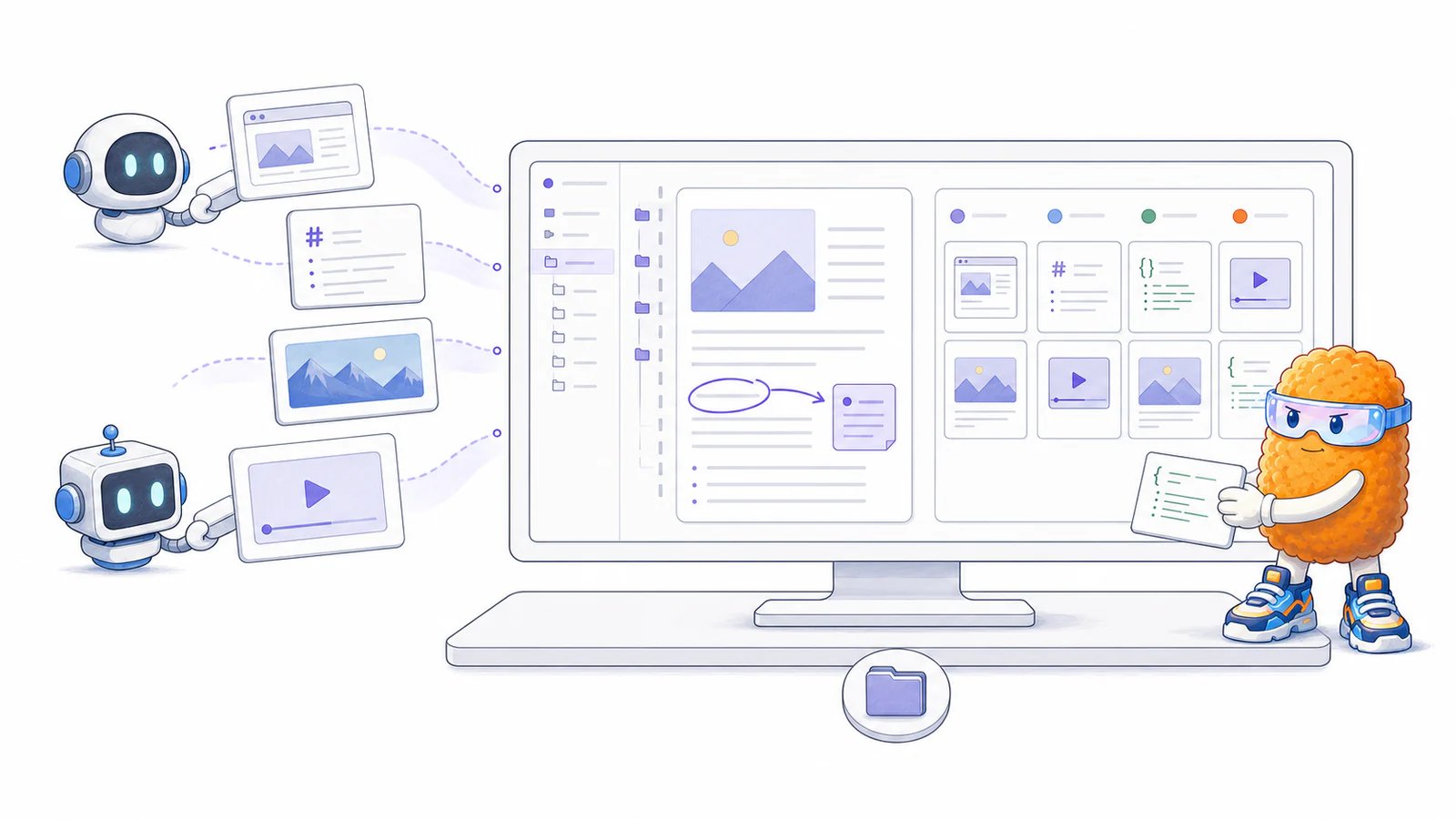
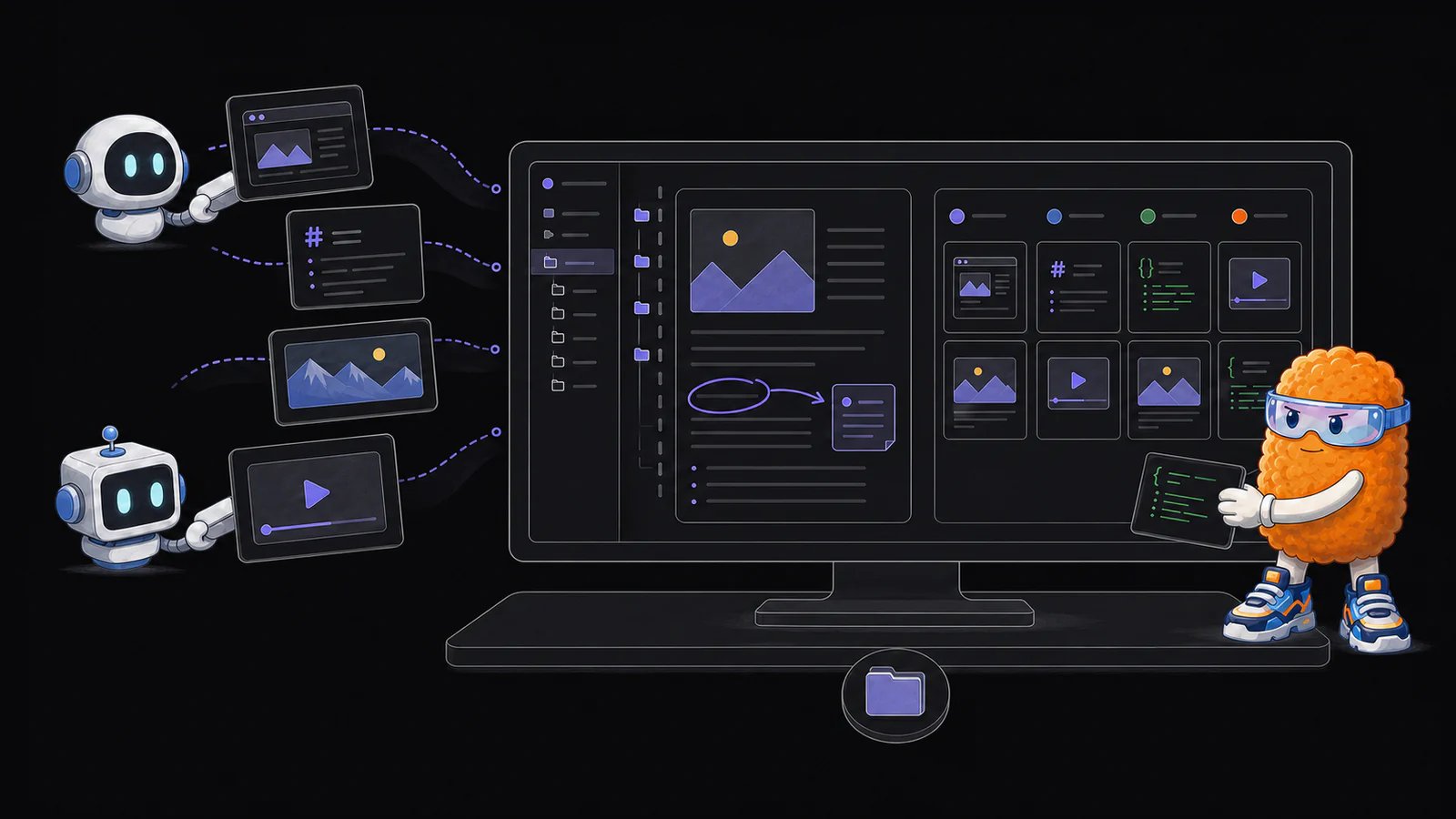
What Artifact Server does
- Organizes artifacts into projects.
- Links existing files without copying them.
- Stores new files when Artifact Server should own the bytes.
- Previews and edits HTML, Markdown, images, video, audio, PDFs, text, and other files.
- Keeps browser comments with each artifact.
- Tracks work on a four-column Kanban board.
- Exposes 11 MCP tools and an OpenAPI contract.
Link existing files or publish new ones
A linked artifact points to a file that already lives on your computer. The original file remains the source of truth. Editing it through Artifact Server writes to that file, and conflict checks prevent an older view from silently overwriting a newer external edit. A managed artifact stores its bytes in Artifact Server. Use this when an agent creates a report, prototype, image, recording, or other output that does not have a permanent home yet. Both kinds of artifacts use the same project tree, viewers, editor, annotations, downloads, and Kanban connections.Review agent output in the browser
Self-contained HTML opens in a sandboxed viewer. Relative CSS, JavaScript, images, fonts, and media work when the files are indexed at matching project paths. Markdown uses Plannotator’s packaged viewer and editor. Images, video, audio, PDFs, text, and unknown binary files have built-in previews or raw downloads. Comments stay in Artifact Server for human reference. Artifact Server does not send them back to an agent or turn them into a review submission.Connect agents through MCP
The local server exposes MCP over Streamable HTTP:artifact_list_projects. Prefer artifact_link when a useful file already exists on disk. Use artifact_publish when Artifact Server should own the file.
Run Artifact Server
Artifact Server requires Node.js 22 or newer and pnpm.~/.plannotator/artifact-server/ by default.