
What makes an AI output an artifact?
There is no universal technical standard for AI artifacts. Products use the word differently, and some products provide the same experience under names such as canvas, document, or preview. Two practical tests are especially useful:- It can be inspected independently. Someone can review the artifact itself instead of reconstructing it from the surrounding conversation.
- It supports further work. People or agents can edit, share, reference, approve, publish, or build on it.
What are common examples of AI artifacts?
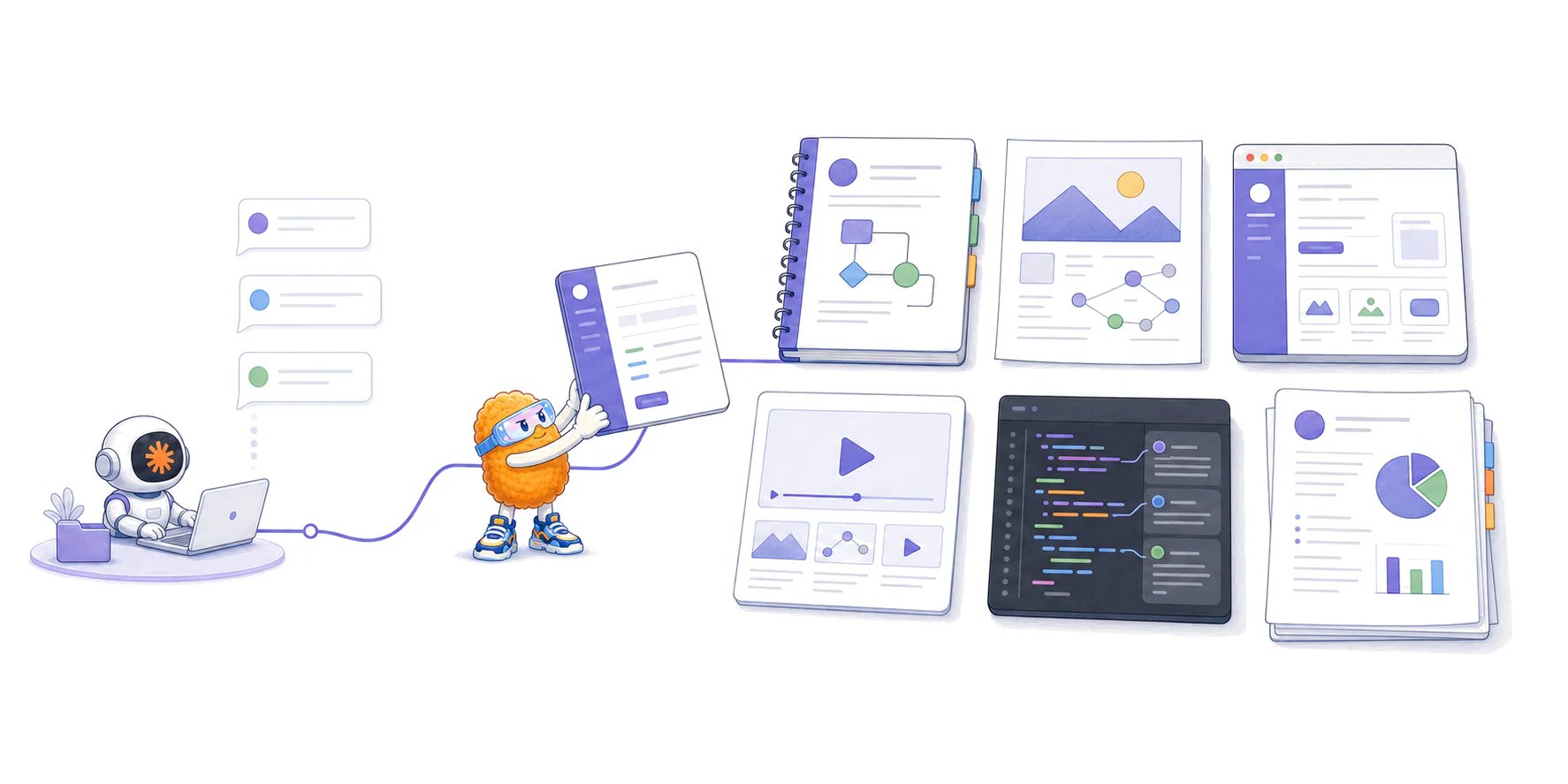
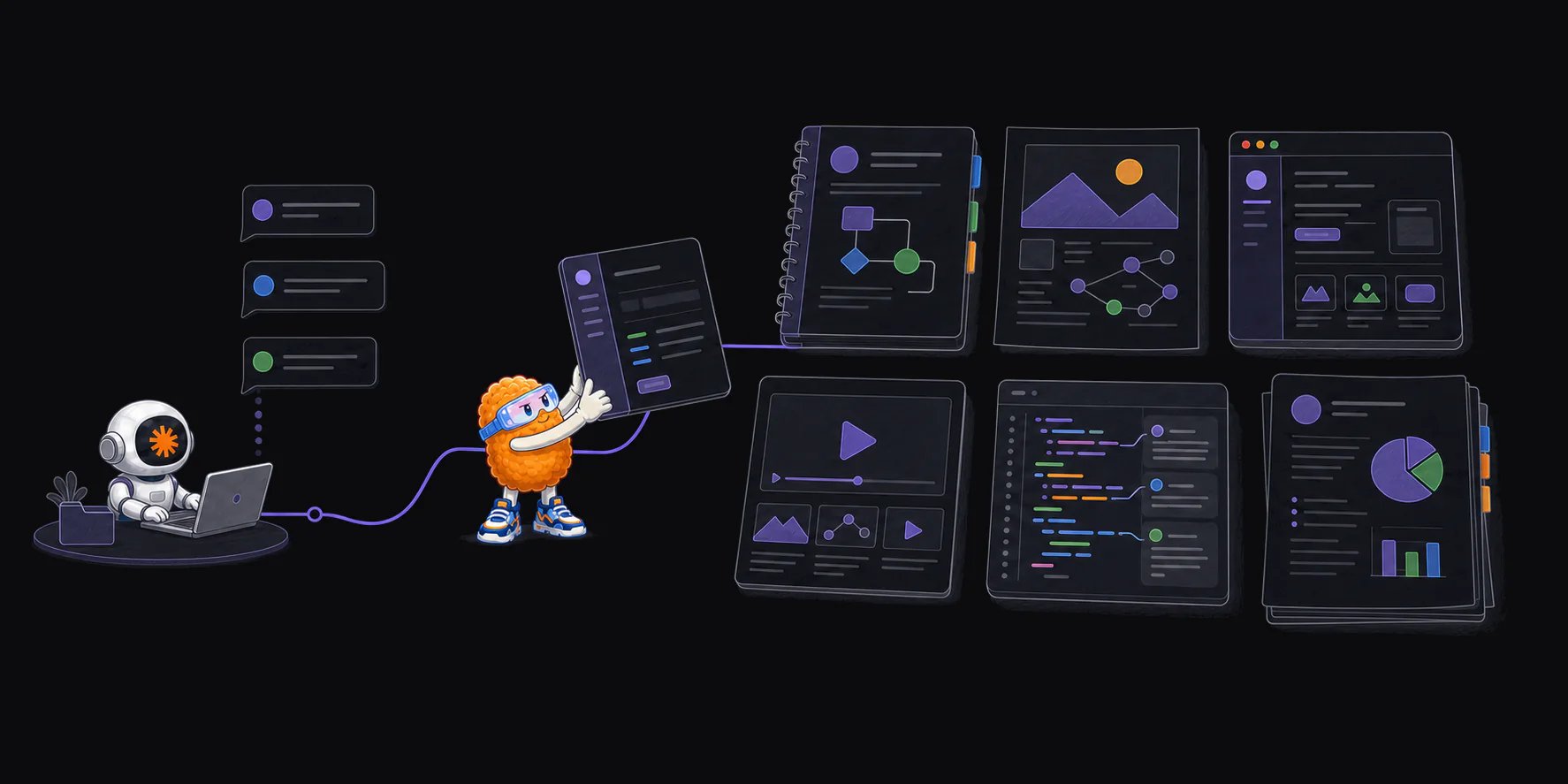
AI systems now produce artifacts across most forms of knowledge work.
The same output can play several roles. An HTML file might be a prototype during planning, a shared explainer during implementation, and review evidence when the work is ready to ship.
How are people using AI artifacts today?
Different products reveal different parts of the pattern.Claude Artifacts separate substantial work from chat
Anthropic uses Artifacts as a product name. Claude places substantial standalone content in a dedicated surface beside the conversation so people can edit, reuse, and share it. Anthropic’s examples include documents, visualizations, tools, games, and interactive applications. See What are artifacts and how do I use them?. Our Claude Artifacts guide covers supported forms, representative examples, HTML behavior, versions, publishing, sharing, and the manual workflow for annotating an exported file. Claude Code applies the idea to agent work. It can publish a session’s output as a live page, such as a pull request walkthrough, system explainer, dashboard, incident timeline, or release checklist. The page can update at the same link as the session progresses and retain version history. See Claude Code now supports artifacts.Coding tools are making agent output easier to find
Visual Studio Code’s preview Artifacts panel collects resources such as plans, screenshots, documents, links, and agent-selected files beside a chat or agent session. It can surface outputs by file pattern or media type, accept an artifact list set by an agent, and keep subagent artifacts grouped by their source. This solves a basic problem: an agent may create useful work without making that work easy to rediscover. A plan buried in a transcript and a plan listed as a named project resource contain similar text, but they do not provide the same working experience.Other products use similar ideas without the artifact name
ChatGPT Canvas gives writing and code a separate editing surface with inline feedback, version restoration, rendered HTML or React previews, and export options. Gemini Canvas similarly lets people create, edit, and share documents and code while previewing generated prototypes. These products do not need to call every output an artifact to participate in the same shift. The useful work is moving out of an undifferentiated chat stream and into a form designed for editing, viewing, sharing, or execution.How is an AI artifact different from a chat response?
The boundary is contextual. A Markdown response pasted into a repository may become the team’s specification. A generated chart becomes an artifact when someone saves it for a report or review. A code block becomes an artifact when it is written to a file, tested, and handed to another person or agent.
When is an AI artifact more useful than another answer?
An artifact is useful when the work needs a shape that chat does not provide well.The information is large or spatial
A long investigation may need a timeline, dependency map, annotated source, or filterable table. Breaking that material into conversational messages makes relationships harder to see.People need to compare or interact with the output
A designer might need six interface directions side by side. An engineer might need controls for testing animation values. An operator might need a dashboard that filters incidents by service and time range. The interaction is part of the explanation.A team needs one shared object
A plan can move through comments and approval. A report can become a handoff. A prototype can help product, design, and engineering discuss the same behavior. The artifact gives the group something specific to point at and revise.The output supports a consequential decision
Screenshots, recordings, traces, test results, and benchmark reports can show whether completed work behaves as claimed. Our guide to code review artifacts explains how that evidence fits beside a code diff.Why is HTML becoming a common AI artifact format?
AI can generate documents in many formats, but HTML is becoming useful when an artifact needs hierarchy, visual density, or interaction. An HTML artifact can combine prose, tables, code, images, SVG diagrams, responsive layouts, filters, tabs, and small controls in one portable page. A coding agent can build that page from repository files, connected tools, test output, and session context. Claude Code engineer Thariq Shihipar describes this workflow in The unreasonable effectiveness of HTML. His examples include implementation plans, design explorations, pull request explainers, incident reports, and purpose-built editing interfaces. Our HTML versus Markdown guide covers the practical tradeoffs, including source review, accessibility, security, and version history. HTML is not automatically the right format. Markdown remains easier to diff and maintain for text-first documents. A PNG is better for a fixed image. A video is better for motion. The artifact’s job should determine its format.Are AI artifacts the same as build artifacts?
Not necessarily. GitHub defines a workflow artifact as a file or collection of files produced during a workflow run and retained after the job completes. Examples include logs, test results, screenshots, binaries, performance output, and coverage reports. An AI artifact is defined here by its relationship to AI-produced work. A workflow artifact is defined by its relationship to an automated workflow. The categories can overlap. For example, a coding agent may trigger a browser test whose workflow uploads screenshots and a trace. Those files are workflow artifacts, agent outputs, and potential review evidence at the same time.What can go wrong with AI artifacts?
Polished output can look more authoritative than it is. The main risks are operational, not cosmetic.- It may be wrong. A diagram can omit an important dependency. A report can misread its sources. A prototype can demonstrate behavior that the implementation does not provide.
- It may become stale. A walkthrough of one code revision may no longer describe the current branch. A plan may survive after the team changes the decision.
- Its provenance may be unclear. Reviewers may not know which sources, tools, model, prompts, or execution results contributed to it.
- It may expose sensitive information. Reports, screenshots, traces, and generated pages can contain source code, customer data, credentials, or internal discussion.
- It may depend on hidden infrastructure. An interactive page can stop working when a package, network request, account, or hosted runtime disappears.
- It may be difficult to find again. Saving more outputs does not help if they remain scattered across chats, repositories, downloads, and temporary links.
How should a team review an AI artifact?
Use questions that match the artifact’s job:- What decision or task does this artifact support? A plan, prototype, validation report, and finished media asset require different review standards.
- Which sources and version does it represent? Link the code revision, dataset, request, or other source record when accuracy depends on it.
- What can a reviewer verify directly? Preserve underlying tests, source files, citations, and execution results instead of relying only on the artifact’s summary.
- What does the artifact leave out? A polished walkthrough may cover the intended path while omitting failure states, accessibility, security, or operational behavior.
- Where will it live? Decide whether the artifact is temporary exploration, durable documentation, review evidence, or a maintained product surface.
How current products organize artifacts
Current products provide features such as:- artifacts that update while an agent continues working;
- outputs grouped by project, session, agent, or subagent;
- version history and stable links;
- direct editing and annotation;
- artifacts connected to the plans, code, tasks, and evidence they describe;
- one artifact becoming useful context for the next agent or workflow.