
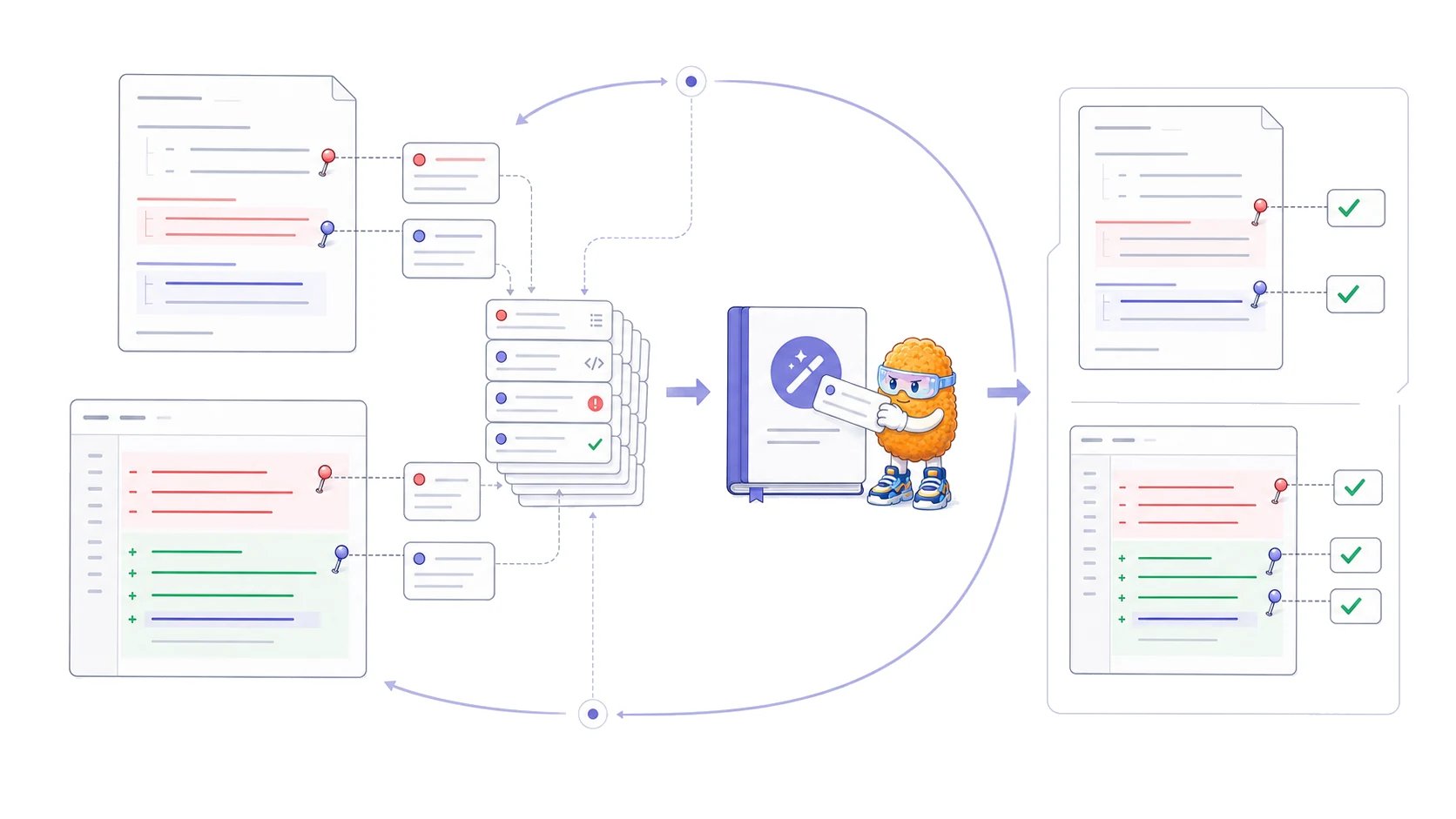
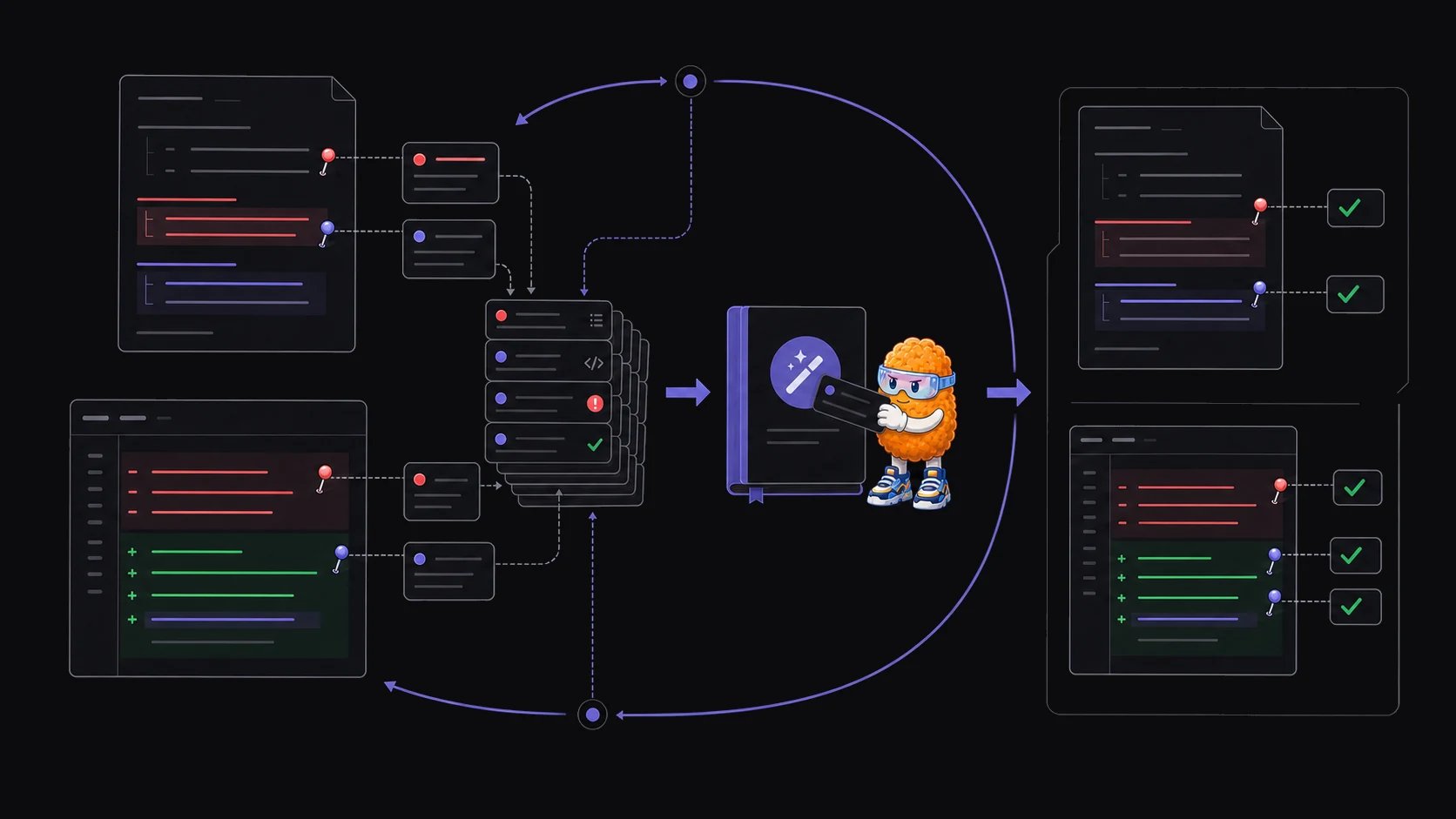
plannotator-compound skill analyzes your saved plan-review history and produces a report of recurring feedback patterns. You can then turn well-supported patterns into instructions for future planning sessions.
The skill works with files already on your computer. It reads denied-plan files under ${PLANNOTATOR_DATA_DIR:-~/.plannotator}/plans/ when they are available. If that archive has no denied plans, it can fall back to Claude Code ExitPlanMode outcomes under ~/.claude/projects/.
Install the skill
The compound skill is an optional extra. Install the extra Plannotator skills with the Skills CLI:What the skill reads
The first source is the local Plannotator plan archive:*-denied.md files. Each denied file contains the plan and the feedback returned during review. It ignores separate annotation files so the same feedback is not counted twice. Approved plans are counted for summary statistics, but their contents are not part of the denial-pattern analysis.
If no Plannotator denial archive exists, the skill can read human-authored ExitPlanMode denial reasons from Claude Code’s local JSONL history. These stored outcomes are plans that a person returned for revision. The raw transcripts stay local.
Run a compound analysis
1
Choose the source
Choose the Plannotator archive or Claude Code history. The skill uses the Plannotator archive by default. If neither source exists, choose a directory when prompted.
2
Review the inventory
Review the plan counts, date range, and revision rate that the skill reports.
3
Review the patterns
Inspect the recurring reasons, requests, and structural preferences that the skill finds in the selected plans.
4
Review the report
The skill writes a self-contained HTML report into the plans directory. The report includes counts, source quotes, changes over time, and candidate prompt instructions.
5
Curate the instructions
Keep only patterns supported by several examples. Remove one-off preferences, obsolete decisions, and instructions that belong to one repository or task.
Optionally add instructions to future plans
After showing the report, the skill asks whether to save candidate instructions in an optional local instruction file:What the report can establish
The report can show repeated feedback in the selected local archive. It cannot prove that every pattern should become a permanent rule. Use these checks before adding an instruction:- Does the report cite several independent examples?
- Is the pattern still current?
- Does it apply broadly, or only to one project or task?
- Would a deterministic lint rule or test enforce it more reliably?
- Can a future maintainer trace the instruction back to source evidence?
Where to put a reusable instruction
Put repository-wide guidance inAGENTS.md or CLAUDE.md only when it should affect most work in that scope. Put narrower instructions in a directory-level file or a task-specific skill. The guide to writing a good AGENTS.md explains how to keep repository guidance small and verifiable.
The compound skill does not sync feedback across a team, create organization-wide rules, or publish a hosted knowledge base. It analyzes the local files available to the agent that runs it.
Review plans before compounding their feedback
Use Plannotator’s plan-review loop to return specific comments and revisions to your coding agent.