
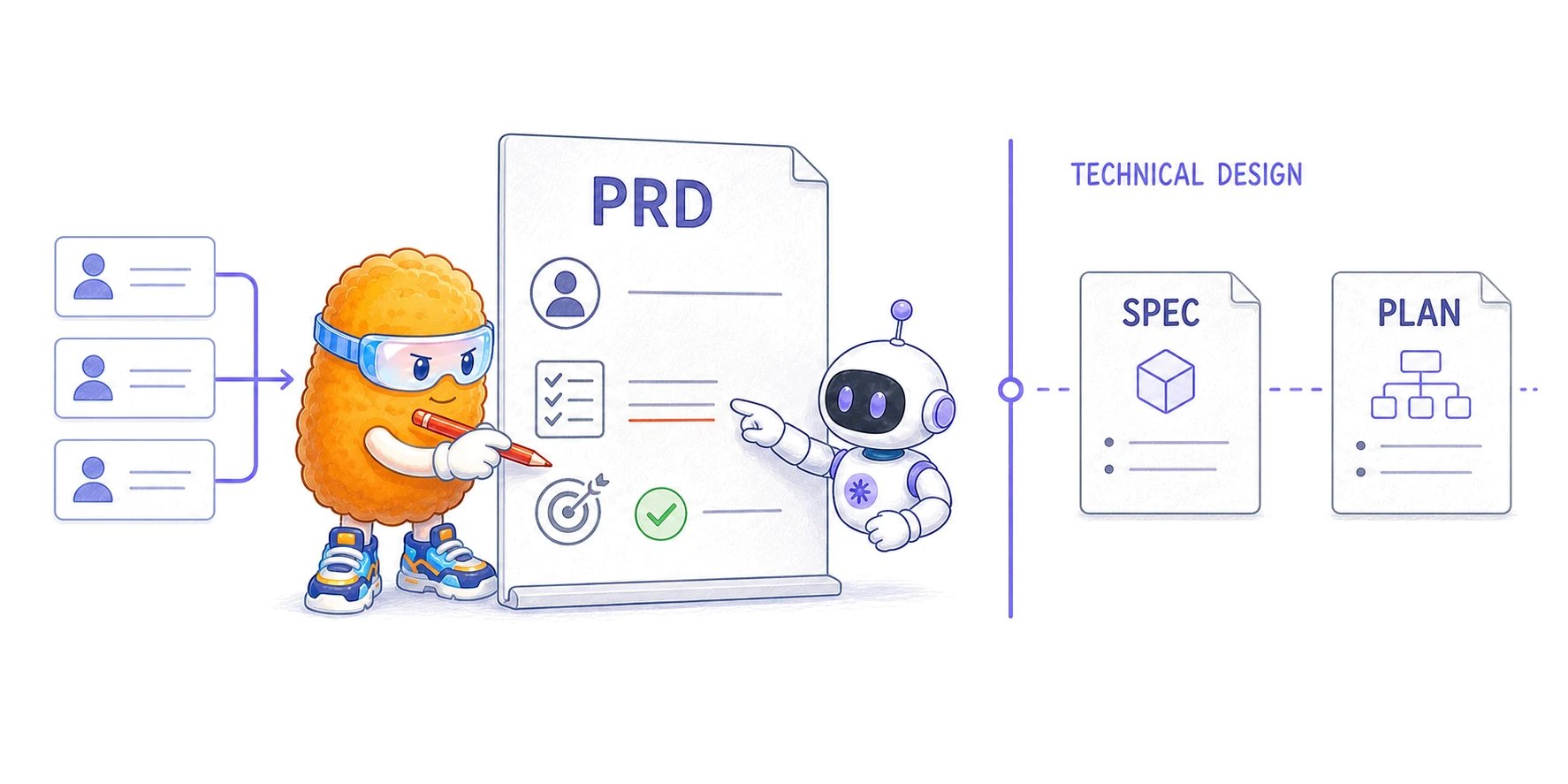
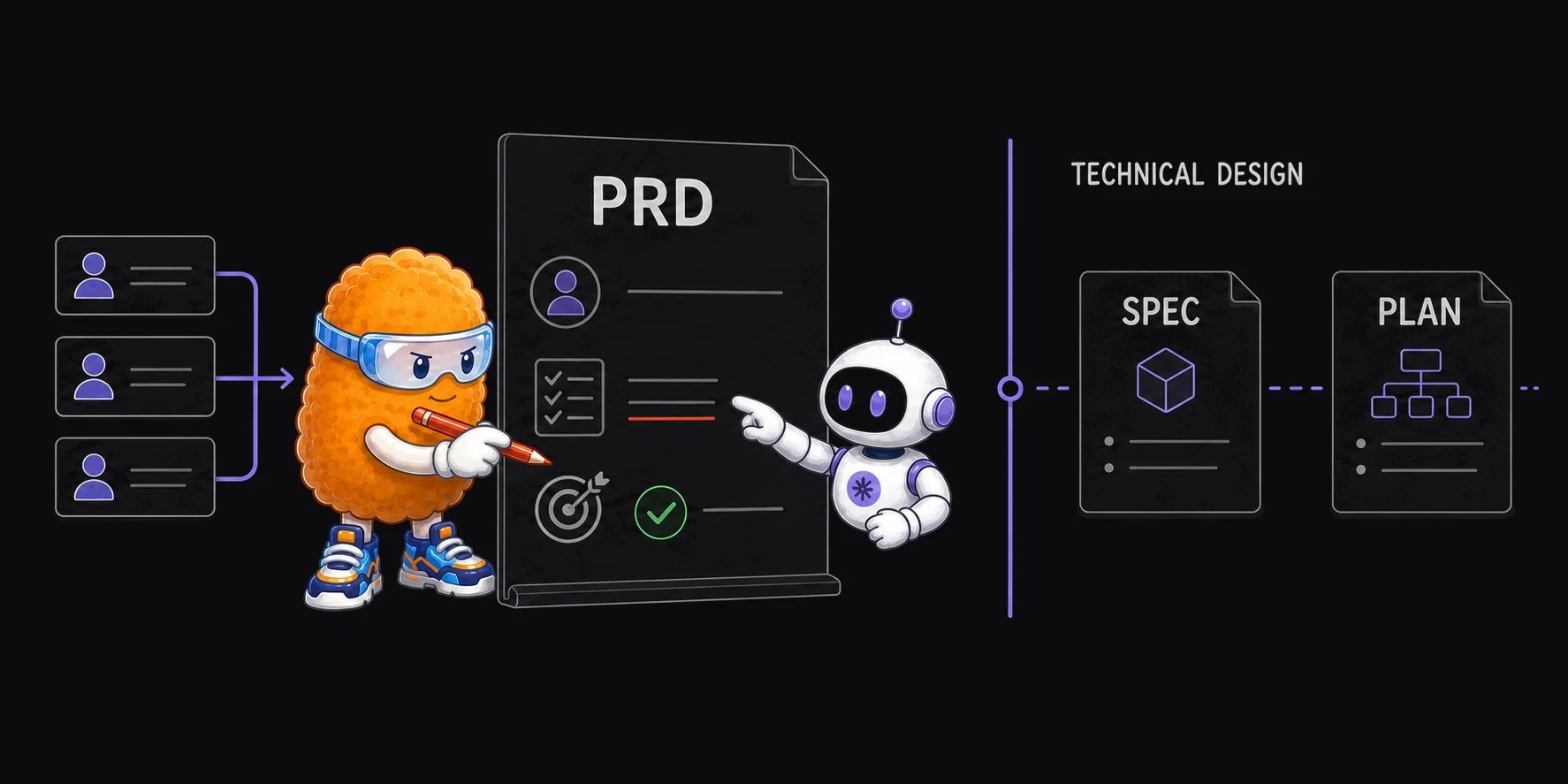
What belongs in a PRD
A useful requirement is specific enough to challenge but does not prescribe a design without cause:
How to write a product requirements document
- State the user problem and link the evidence that makes it worth solving.
- Name the users and write the journeys that deliver the intended outcome.
- Set goals, non-goals, constraints, and dependencies before listing features.
- Write observable requirements with acceptance criteria. Keep technical choices out unless they are fixed product constraints.
- Add success metrics, counter-metrics, and open questions with owners or evidence paths.
- Review the full document for conflicts, undefined terms, missing failure paths, and assumptions that a coding agent could mistake for decisions.
When to use one
Use a PRD when several people or agents need a shared product boundary before technical design, especially when the work has multiple user journeys, meaningful non-goals, business or usability outcomes, or unresolved product questions. Use a PRFAQ earlier, when the team still needs to test the proposed customer value and answer the questions that could stop the idea. A PRFAQ can lead to a PRD once the product direction is clear. Skip a separate PRD when the change is small, reversible, and already has a clear user outcome. A concise issue or coding plan may be enough. Do not create a PRD only to satisfy a process label.How people and coding agents should review it
People should challenge the problem, evidence, priority, user impact, risk, and success measures. Coding agents can help test internal consistency, find undefined terms, trace acceptance criteria to requirements, and identify technical questions that the PRD leaves unresolved. Use this review sequence:- Restate the user problem and intended outcome without copying the summary.
- Trace each journey to one or more requirements.
- Mark requirements that cannot be observed or tested.
- Check goals against non-goals, constraints, success metrics, and counter-metrics.
- Separate product questions from technical-design questions.
- Record open questions instead of silently filling them with agent assumptions.
Where the PRD stops
These boundaries are editorial guidance, not universal industry law. Teams use different names. The important test is whether readers can tell which document owns product intent, which owns technical truth, and which is the current execution sequence.
BMad Method’s pinned PRD template separates product vision, users, journeys, requirements, non-goals, scope, metrics, and questions from its later architecture and delivery artifacts. GitHub Spec Kit’s pinned specification, plan, and tasks show a comparable separation under different names. Atlassian’s maintained PRD guide is another source-backed example of goals, assumptions, user stories, design context, and out-of-scope decisions.
Start with the PRD template. Then use PRD vs technical specification vs implementation plan to place the downstream documents. Workspaces can share, annotate, edit, and version the PRD with people and agents; it does not generate the document for you.
Reviewed July 18, 2026. Written and maintained by the Plannotator documentation team.