
Agent-native review is already useful
Codex code review can automatically review a GitHub pull request when it moves from draft to ready, post findings on the pull request, and respond to a focused request such as@codex review for security vulnerabilities. If Codex recommends an edit, the author can ask it to implement the change in the same thread. The Codex IDE extension also lets developers track and review cloud tasks without leaving the editor.
Cursor provides several review paths. Its agent review workflow can analyze proposed edits line by line, compare local changes with the main branch, and flag issues before the work reaches GitHub. Inside a pull request, tagging @Cursor can send an instruction to a background agent that applies the fix and pushes another commit.
GitHub Copilot adds another version of this experience. Its agent sessions expose progress and logs, and Copilot-authored commits link back to those sessions. A reviewer can ask what changed, what was validated, and why. GitHub documents these capabilities in Managing agent sessions.
These tools reduce the cost of orienting yourself inside a pull request. They can explain unfamiliar code, surface likely defects, and shorten the loop between a finding and its fix. An industrial study of LLM-assisted code review found that developers generally preferred AI-led assistance for large or unfamiliar pull requests, while preferences varied with codebase familiarity and risk. The researchers favored hybrid workflows that combine proactive findings with on-demand questions and reviewer control. See Rethinking Code Review Workflows with LLM Assistance.
A personal review conversation is not a team record
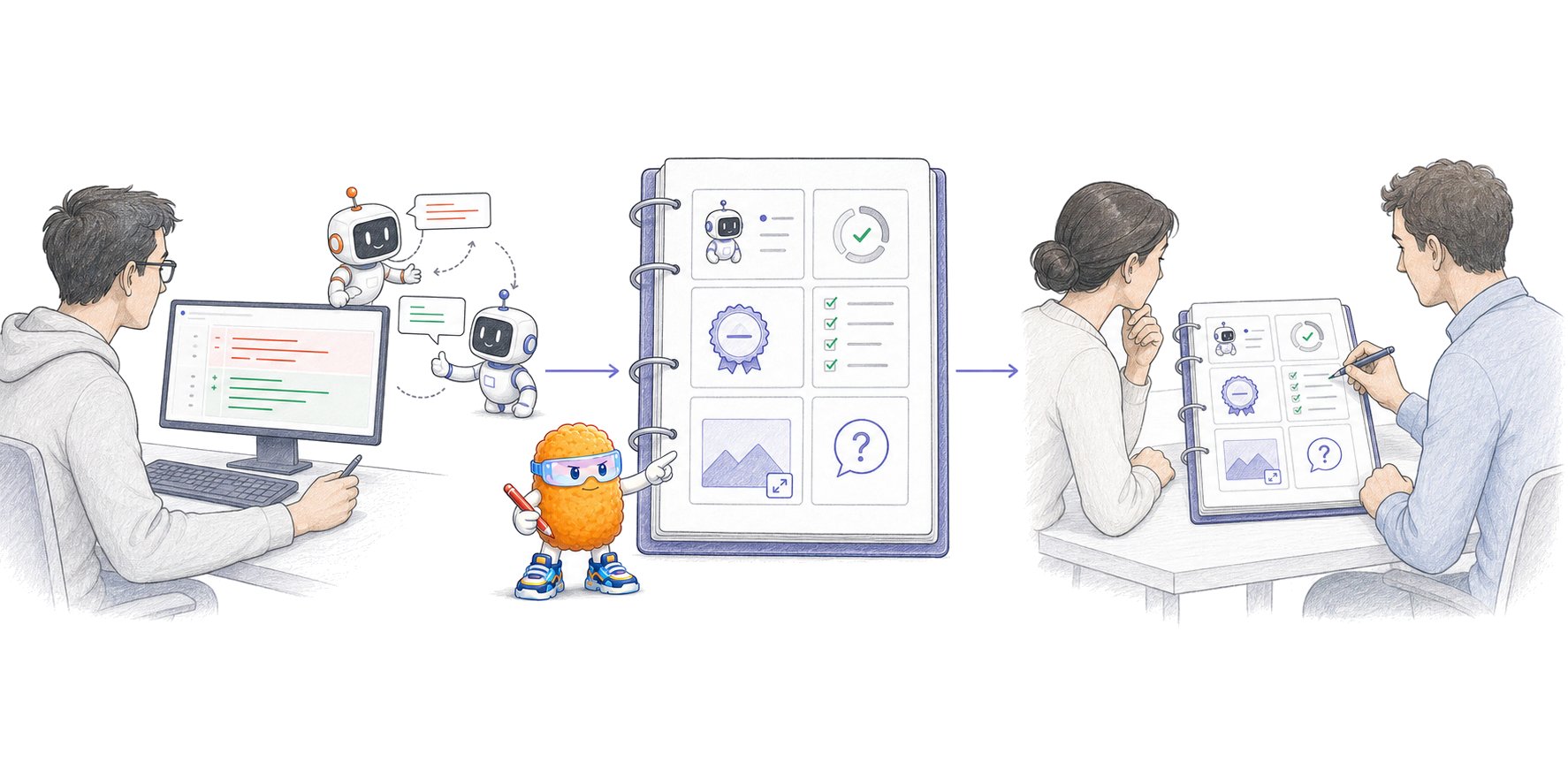
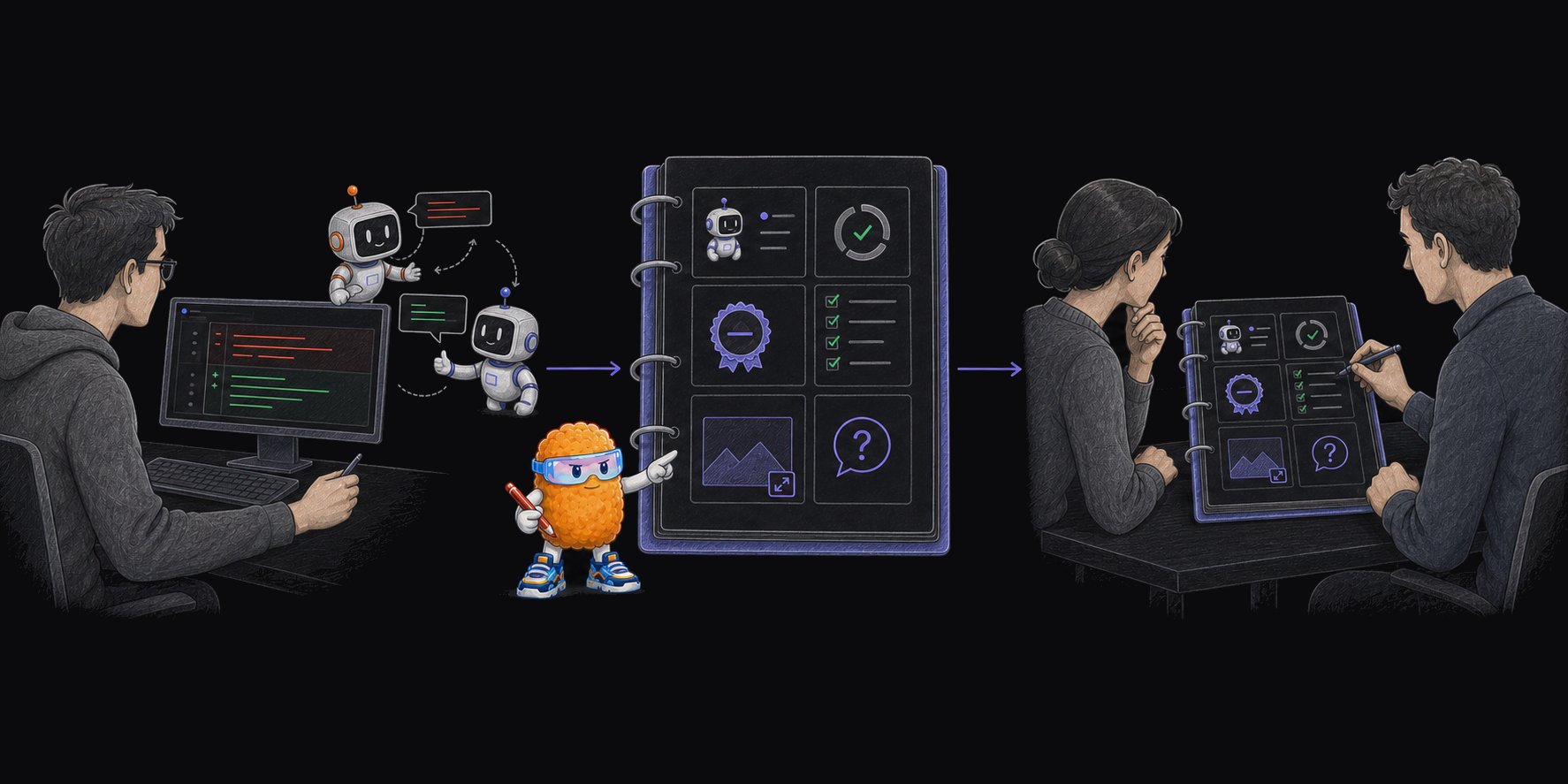
An agent chat can help one developer form a mental model. It does not automatically tell every reviewer:- which person authorized the change;
- which agent, model, and execution system contributed to the current code;
- whether the agent is still working, blocked, waiting for a decision, or finished;
- which tests and investigations ran against the current commit;
- what the agent skipped, could not reproduce, or remains uncertain about;
- whether a screenshot, recording, or report still matches the current head;
- which parts product, security, platform, or operations have reviewed;
- what changed after each person’s last completed review.
Three review questions need better answers
Which agent and model produced this change?
Git authorship can identify a bot account or the human who initiated a task. It often does not describe the full production path. One pull request may contain human edits, a Cursor background-agent commit, a Codex correction, and a generated test from another session. An agent may also switch models or delegate part of the work. Record the agent product, execution environment, model or model family when available, initiating person, session link, and commits produced. Model identity supports audit, policy, and debugging. It does not establish quality. A newer or more expensive model can still misunderstand the request, miss a failure path, or validate the wrong behavior. Some products already expose parts of this information. Cursor advertises an enterprise AI code tracking API for commit-level visibility into AI usage and accepted changes. GitHub Copilot records agent sessions and links its commits to session logs. These are useful product-specific records, but they do not create one portable metadata contract across every agent that can contribute to a GitHub pull request.Is the pull request actually ready for review?
GitHub supports Draft and Ready for review states. A draft pull request cannot merge and does not automatically request review from code owners. Marking it ready requests formal review. See About pull requests. That state describes the pull request, not every agent task behind it.
A useful agent record should state working, blocked, awaiting decision, or complete, along with the definition of done and remaining work. The person presenting the pull request for review owns that status. The agent should not certify its own patch as safe to ship.
Did the agent perform due diligence?
“Tests pass” is too vague for a consequential change. Reviewers need to know what ran, what passed, what failed, what was skipped, and which commit the results cover. For example:Session logs are evidence, not the review interface
Agent session logs can be valuable. GitHub lets collaborators monitor Copilot sessions, trace commits to their sessions, and query completed work. Logs can explain which tools ran, how the agent approached the task, and where it struggled. Requiring every reviewer to read a full transcript transfers the reconstruction work to the team. Long sessions contain exploration, repeated commands, abandoned approaches, and details unrelated to the merge decision. They may also include repository information, tool output, or customer data that requires restricted retention. Use a compact agent work record as the index. Link to the underlying session, CI output, and artifacts when a reviewer or auditor needs them.
The AI coding agent handoff can stay short for a small change. A cross-service authorization or data-migration change needs more evidence because more people must verify and operate the result.
Better metadata does not make a broad pull request easy
A clear work record reduces archaeology. It cannot make an entangled change cheap to review. A 2026 study of 33,707 agent-authored pull requests found that structural signals such as files changed, lines changed, and change entropy predicted high review effort far better than text features. The result supports a practical limit: presentation helps reviewers find the work, but the footprint of the change still determines much of the review cost. See Early-Stage Prediction of Review Effort in AI-Generated Pull Requests. Split independent behavior before review. Give product, security, platform, and operations owners a reading path through the code they own. Keep the summary, validation, and artifacts current as the head changes. If reviewers cannot connect a change to its authorizing request or verify its consequential behavior, the pull request is not ready merely because an agent marked its task complete.Review the current change as a team
1
Use agents to interrogate the change
Ask Codex, Cursor, Copilot, or another reviewer to explain unfamiliar paths, find issues, or implement requested fixes. Keep their findings attributed.
2
Review the current code as a team
Route product, technical, security, and operational questions to the people who own them. Generated explanations remain claims until the code and behavior support them.
3
Keep the shipping decision human-owned
Refresh stale evidence after new pushes. The responsible reviewer then approves, requests changes, or accepts a known risk against the current revision.
Where Plannotator fits
Open-source Plannotator can open a GitHub pull request or GitLab merge request in its browser review UI. It shows the diff, supports line-specific comments and suggestions, collects supported evidence from the hosted conversation, and can launch supported review agents. GitHub or GitLab remains the system of record. Plannotator does not import the private agent transcript or infer that validation happened. Put the request, material decisions, validation results, and known gaps in the pull request or merge request so another reviewer can verify them.Frequently asked questions
Why are AI-generated pull requests harder to review?
They can arrive faster and include more code while the request, agent provenance, execution state, validation, and evidence remain outside the pull request. Reviewers then have to reconstruct both the change and the process that produced it.Does GitHub show whether a pull request is a draft?
Yes. GitHub clearly distinguishes Draft from Ready for review. That status does not say whether every contributing agent is finished, whether the definition of done was met, or whether validation evidence is current.Should an AI-generated pull request name the model?
Record the agent, provider, model or model family when available, execution environment, initiating person, and session. Use model information for provenance and policy, not as proof that the code is correct.Should reviewers receive the complete agent transcript?
Usually not as the primary handoff. Provide a compact, revision-bound work record and link to the full session when its details matter. Restrict sensitive session data according to the repository’s access and retention rules.Can Codex and Cursor review pull requests?
Yes. Codex can review GitHub pull requests, post findings, accept focused review instructions, and implement requested edits in the same thread. Cursor provides local Agent Review and can run background-agent work from GitHub pull-request instructions. Teams still need to decide how those findings, fixes, and sessions enter their shared review record.What should an AI coding agent include in a pull request?
Include the authorizing request, exact revision, change map, execution state, validation commands and results, skipped checks, open questions, risks, and relevant artifacts. Add agent and model provenance when available. The agent handoff guide provides a reusable format.Design an agent handoff
Give reviewers a stable index into the request, current revision, validation, evidence, and unresolved work.
Understand AI-generated code
Connect approved intent, implementation, evidence, review, and the final team decision.
Review revision diffs
See what changed after each reviewer’s last completed checkpoint.
Use code review artifacts
Review screenshots, recordings, HTML, reports, and other evidence beside the diff.