
Claude uses the Artifacts name in Claude, Claude Desktop, and Claude Code. This guide starts with the artifact pane in Claude and Claude Desktop. Claude Code artifacts are live pages published from a coding session, with different file, version, and sharing rules described below.
How to use Claude Artifacts
- Enable the required capability. Claude currently requires Code execution and file creation under Settings > Capabilities. Team and Enterprise owners manage the capability for their organization.
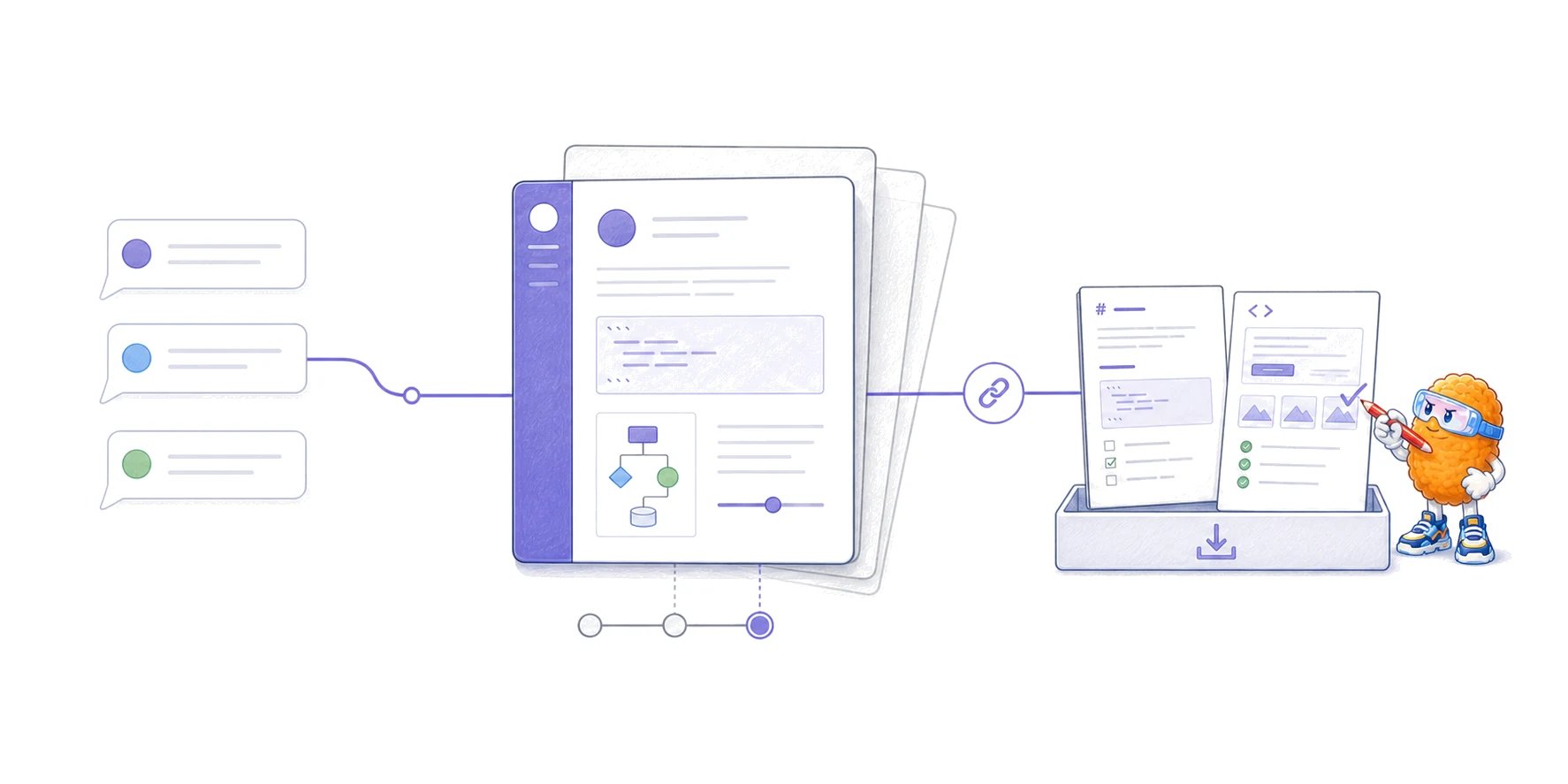
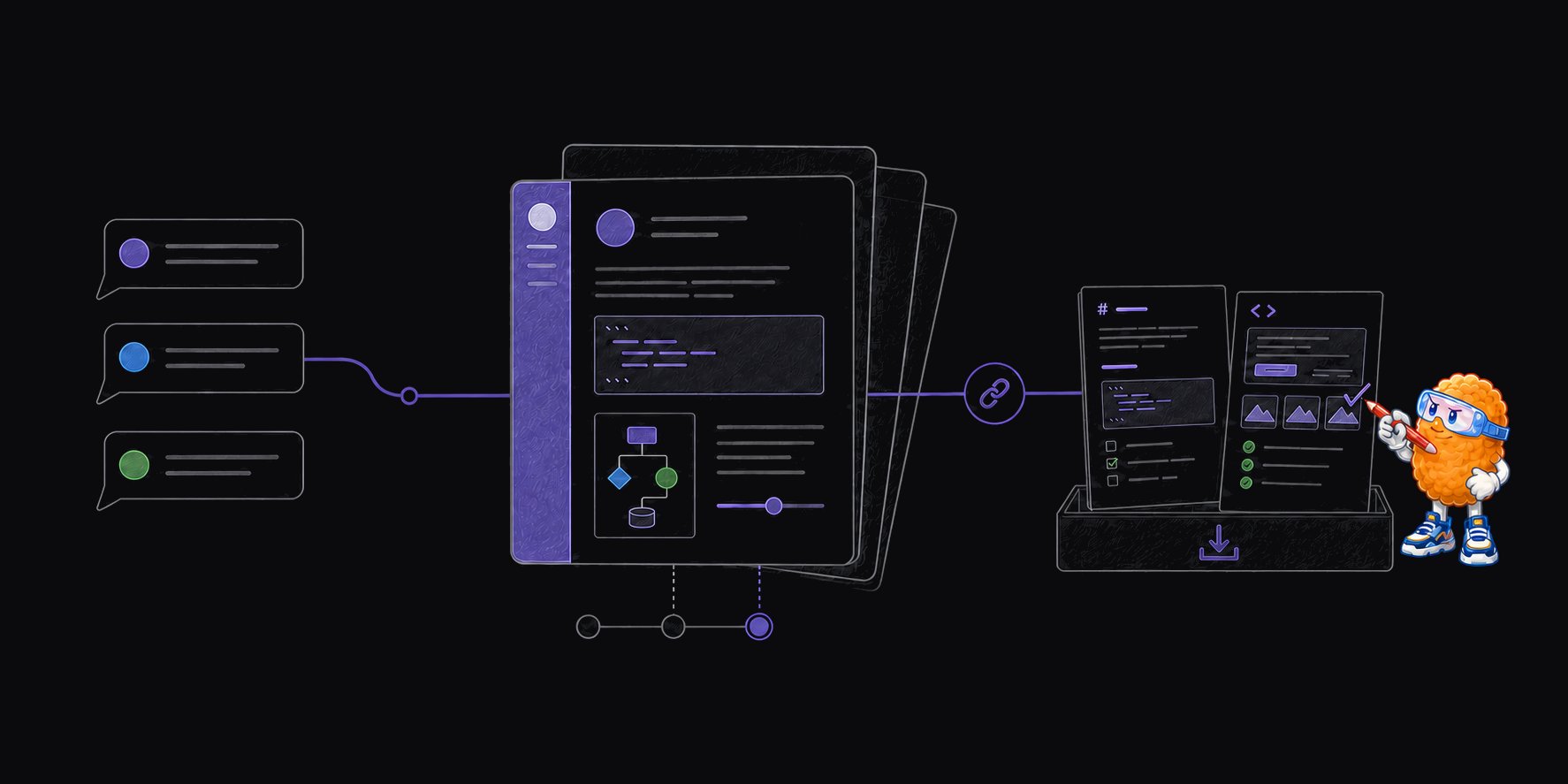
- Ask for a standalone result. Describe the object you need, such as a comparison dashboard, implementation plan, diagram, calculator, prototype, or code walkthrough. Claude may also create an artifact without an explicit request when the output is substantial and self-contained.
- Revise the artifact in conversation. Ask Claude to change it. Markdown artifacts also support selecting text and choosing Edit with Claude. Use the version selector to return to an earlier result.
- Inspect or export it. The artifact controls let you view the underlying code, copy the content, or download the file for use outside the conversation.
- Publish or share the intended version. Access rules depend on your plan and on whether the artifact came from Claude or Claude Code. Check the version and audience before copying the link.
Claude Artifacts examples and supported forms
The supported forms describe what Claude can place in the artifact pane. The examples below are representative uses, not a fixed gallery or a claim that one format is best for every task.
AI features, MCP connections, and persistent storage extend what an artifact can do. They are capabilities, not additional file formats. Anthropic’s current help article says AI-powered artifacts run on its infrastructure, MCP access requires each viewer to authenticate and approve the connection, and persistent storage can be personal or shared.
For the broader category beyond Anthropic’s product, see What is an AI artifact?.
How HTML and interactive Claude Artifacts work
HTML earns its place when the reader needs layout, comparison, visualization, or interaction. Markdown remains the clearer default for a linear document that people need to edit, diff, and preserve. When should AI coding agents produce HTML instead of Markdown? gives the full format decision, including accessibility, Git, and sandboxing tradeoffs. Claude and Claude Code use different artifact models:
The Claude Code artifacts reference documents additional limits: one page, no backend, no relative multi-page site, a rendered size of 16 MiB or less, and no external scripts, stylesheets, fonts, images,
fetch, XHR, or WebSocket requests. Claude Code can inline assets and can call declared MCP connectors through the viewing person’s account.
A Claude Code artifact is therefore a review or communication page, not a deployed application. If the work needs its own database, authentication, server routes, or durable application behavior, it needs ordinary application infrastructure.
How versions work
In Claude and Claude Desktop, artifact updates appear as versions in the version selector. Editing an earlier chat message creates a different conversation branch with its own artifacts. It does not rewrite the existing conversation’s artifact history. Before publishing or sharing, select the version the recipient should receive. The publishing and sharing guide explicitly includes this check in both workflows. Claude Code keeps one artifact URL across updates. Each publish creates a new version, and the Share control can expose one selected version or follow the latest version. A new Claude Code session needs the artifact URL to update the existing page; without it, the session creates a new artifact. Version history records artifact changes. It does not prove that a walkthrough still matches the current code revision, that a dashboard used current data, or that a prototype reflects the shipped application. Record the source revision, dataset, or decision date inside consequential artifacts.How publishing and sharing work
Claude uses publish for public access and share for restricted access. The exact choice depends on the product surface and plan.
Published Claude artifacts can also be embedded on allowed domains. The publisher chooses which domains may embed the artifact.
Check these two sharing effects before you publish:
- Sharing a Claude artifact inside a Team or Enterprise organization also gives viewers access to attachments and files from the conversation that created it.
- Unpublishing a consumer artifact revokes the link, prevents that same artifact from being published again, and permanently deletes its associated personal and shared storage data when persistent storage was used.
Safety and review limits
A working artifact still needs review.- Public means reachable by anyone with the link. Remove secrets, private source material, customer data, and hidden attachments before publishing.
- Connected actions use the viewer’s account. MCP access requires approval, but an artifact may still read or change data through the tools the viewer authorizes. Inspect the declared connection and the action before approving it.
- Shared storage is shared by design. Anthropic displays a confirmation when an artifact first uses shared storage. Do not enter sensitive information until you understand whether the artifact uses personal or shared storage.
- Polish is not evidence. Verify diagrams, calculations, code references, and conclusions against the underlying source. A visually convincing artifact can be wrong or selective.
- A version can become stale. A published walkthrough may describe an earlier commit, investigation state, or decision even when the page still loads correctly.
- Exported HTML is active content. Once downloaded and opened elsewhere, it can contain scripts and network requests. Use an isolated viewer and inspect the source before granting it access to local files, credentials, or trusted application origins.
Export and annotate a Claude Artifact with Plannotator
Plannotator does not have a native Claude Artifacts integration. The workflow is a manual, file-based handoff: export the artifact, open the local file in Plannotator, and return structured feedback to the coding agent that started the review.- Select the intended version in the Claude artifact pane.
- Download or copy the source.
- Save the result as a local
.md,.html, or.htmfile. Keep multi-file exports and local support assets together in one folder. - Open the file or folder:
- For HTML, choose the review surface that matches the question:
- Add comments to selected text or elements.
- Choose Send Feedback. When a supported coding agent opened the review, Plannotator returns the structured annotations to that agent. A direct CLI run prints the feedback to standard output.
Open-source Plannotator
Install the local feedback tool and connect it to Claude Code, Codex, or another supported coding agent.
Artifact Server
Organize many local agent files in a separate experimental workspace when the problem is finding outputs, not returning one review to an agent.
Frequently asked questions
Are Claude Artifacts the same as AI artifacts?
Claude Artifacts is Anthropic’s product name. An AI artifact is the broader category of reusable AI-produced documents, applications, images, reports, media, and other outputs.Can Claude Artifacts contain HTML and JavaScript?
Yes. Claude supports single-page HTML and interactive React artifacts. Claude Code artifacts can use inline HTML, CSS, and JavaScript, but its published viewer blocks ordinary external requests and provides no backend.Can someone view a published Claude Artifact without an account?
Yes for a public link on a supported consumer plan. Basic viewing and interaction do not require an account. Organization-shared artifacts require the viewer to sign in with the appropriate organization account.Can I download a Claude Artifact?
Yes. The artifact pane provides controls to view the source, copy the content, and download files. Check the selected version before exporting.Does Plannotator annotate the live Claude Artifact?
No. Export the HTML or document first, then open the local file in Plannotator. This preserves a clear boundary between the Claude artifact and the separate review session.Primary sources
- Anthropic: What are artifacts and how do I use them?
- Anthropic: Publish and share artifacts
- Anthropic: Share session output as artifacts in Claude Code
- Anthropic: Create and edit files with Claude