
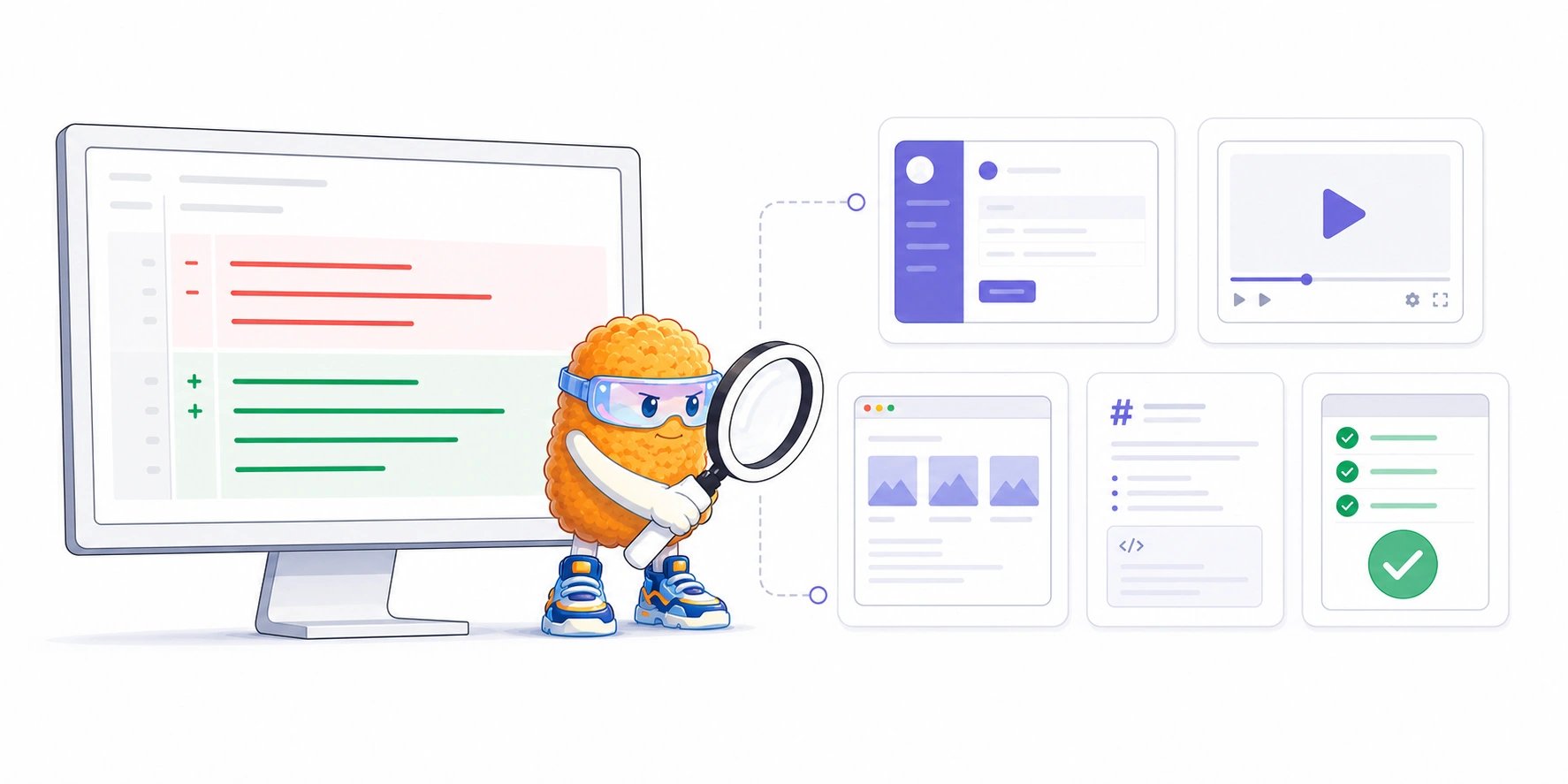
A code review artifact can be created by a person, an AI coding agent, or a CI workflow. Its role in the review matters more than who produced it.
A pull request is becoming more than a patch
Consider a pull request that changes a checkout flow. The author or coding agent might provide:- a before-and-after screenshot;
- a short recording of the updated interaction;
- an HTML prototype showing the possible states;
- a Markdown explanation of the implementation;
- a browser-test report or failure trace from CI.
- Does the new layout work at mobile widths?
- What happens between clicking Pay and seeing confirmation?
- Does the loading state match the intended design?
- Which paths did the automated test exercise?
- What tradeoff did the author make and why?
Why is the word “artifact” confusing?
Software teams already use artifact in several ways. AI products have added another meaning. Our broader guide to AI artifacts explains how documents, images, applications, media, and other agent outputs become reusable objects beyond a chat. In code review, the artifact has a narrower job: it helps a reviewer understand or validate a proposed change.
Anthropic did not invent the general software term. Its Artifacts product made a particular form of AI output more visible: a standalone document, application, diagram, visualization, or interactive page that can be inspected separately from the chat that produced it.
What can GitHub already do?
GitHub already lets people attach a wide range of files to pull requests. You can drag a file into a pull request description or comment, and GitHub uploads it immediately and inserts an anonymized URL into the Markdown text. GitHub supports common media such as PNG, GIF, JPEG, SVG, MP4, MOV, and WebM. Pull request comments also accept HTML, Markdown, PDFs, office documents, JSON, logs, notebooks, patches, archives, audio, and many development-file formats. See GitHub’s current file attachment documentation. GitHub applies the repository’s visibility to uploaded files:- files uploaded to public repositories can be accessed without authentication;
- files uploaded to private or internal repositories require repository access.
Are GitHub Actions artifacts the same thing?
Not exactly. GitHub defines a workflow artifact as a file or collection of files produced during a workflow run and retained after the job completes. GitHub’s examples include:- log files and core dumps;
- test results and failure screenshots;
- compiled binaries and archives;
- stress-test output and code-coverage reports.
Why are AI coding agents making artifacts more important?
Coding agents produce more than source code. They can run browsers, reproduce bugs, execute tests, inspect logs, create diagrams, compare designs, and explain the work they performed. GitHub Copilot coding agent, for example, can use a browser to validate a web application and include captured screenshots in its pull request. GitHub also preserves agent session logs and links agent-authored commits back to those logs so reviewers and auditors can trace how a change was produced. Claude Code now treats PR walkthroughs, system explainers, dashboards, incident timelines, and release checklists as shareable session artifacts. These pages can combine codebase context, connected tools, test output, and the agent’s explanation in one visual surface. Trustworthy evidence can reduce the work of understanding a large agent-created change. A polished explanation can also be wrong, stale, or selectively reassuring. Use artifacts to investigate the change, not as a reason to stop reading the code.Why is HTML becoming a common AI artifact format?
Markdown remains useful for durable, text-first documents. HTML becomes attractive when the explanation needs visual hierarchy, spatial layout, or interaction. In “The unreasonable effectiveness of HTML,” Claude Code engineer Thariq Shihipar describes using HTML for dense technical outputs that people are more likely to read and understand. A single HTML file can combine:- tables and side-by-side comparisons;
- rendered code and annotated diffs;
- SVG diagrams and architecture maps;
- screenshots and visual states;
- tabs, filters, sliders, or small purpose-built controls;
- responsive layouts for large reports.
What makes an attachment genuinely reviewable?
Uploading a file is the beginning, not the complete review workflow. Useful code review artifacts need several properties.Discoverability
The reviewer should be able to see the relevant evidence set without searching a long conversation or opening unrelated workflow runs.Provenance
The artifact should show who or what produced it, where it came from, and when it entered the review. Agent-generated evidence should retain the agent identity and the human who initiated the work.Safe, format-aware inspection
Different evidence needs different treatment. Images need spatial inspection. Video needs playback and timestamps. Markdown needs readable rendering and text selection. HTML needs isolation.Anchored discussion
Comments should be able to refer to a point, region, timestamp, quotation, or whole artifact. “The flicker around 00:14” is more useful when the comment is actually attached to 00:14.A relationship to the code revision
Reviewers need to know which version of the code the evidence demonstrates. A screenshot captured before three later pushes may no longer describe the current pull request.Access, retention, and deletion
Artifact visibility should follow the review’s access rules. Teams should also know how long the bytes remain, whether an external link can expire, and what happens to the discussion when an attachment is deleted.An auditable decision
For consequential changes, the durable record includes the file, its origin, the comments it received, which concerns were resolved, and the human review decision that followed.How does Plannotator handle code review artifacts?
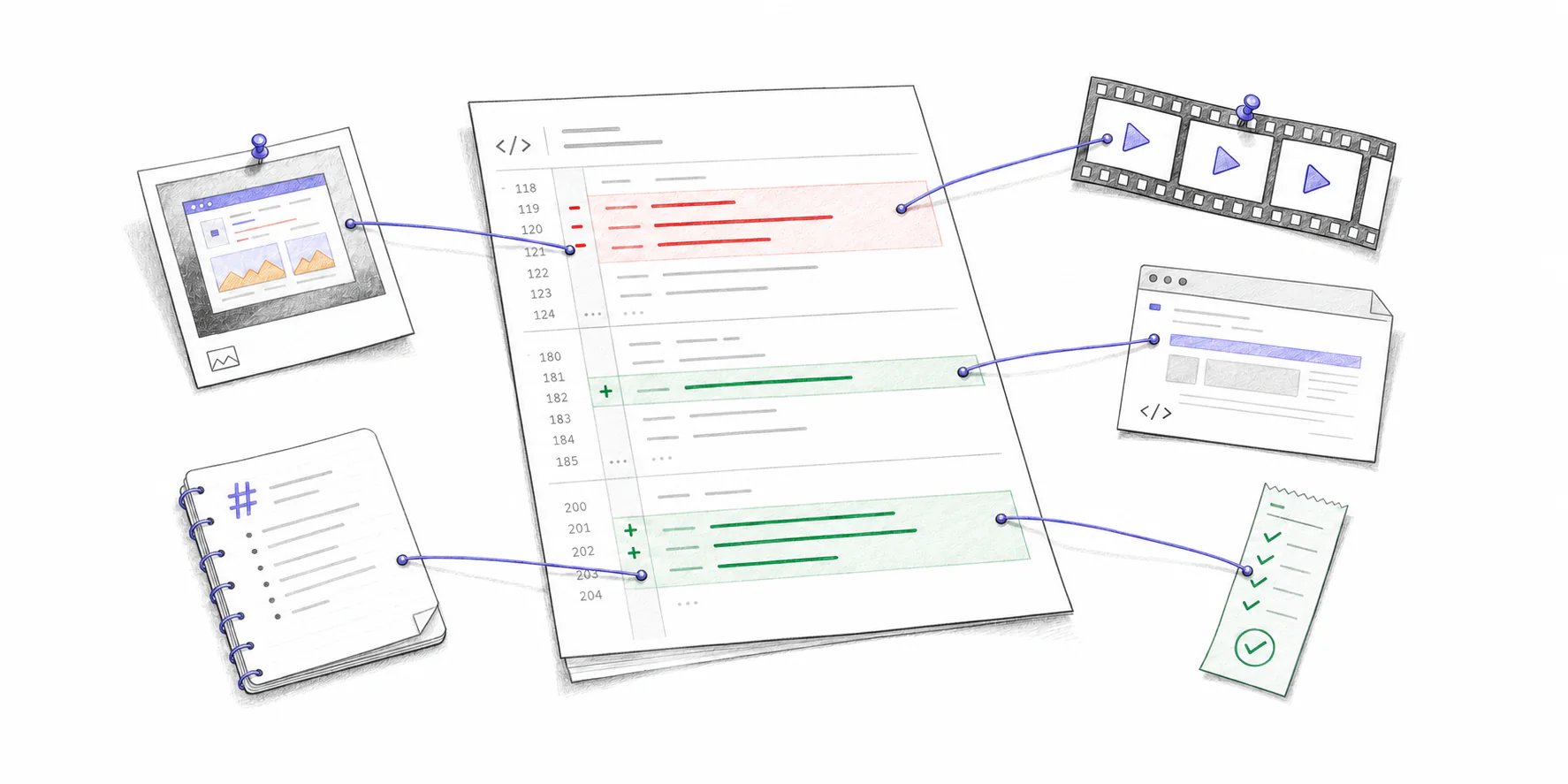
The open-source Plannotator code-review app gathers supported images, GIFs, video, HTML, and Markdown referenced in a hosted GitHub pull request or GitLab merge request into one Artifacts view beside the diff. The review behavior follows the format:- images and GIFs can receive point or whole-artifact comments;
- video can receive timestamped or whole-video comments;
- Markdown can receive quoted-text or whole-document comments;
- HTML can receive selected-text or whole-page comments and is rendered inside a restricted sandbox.
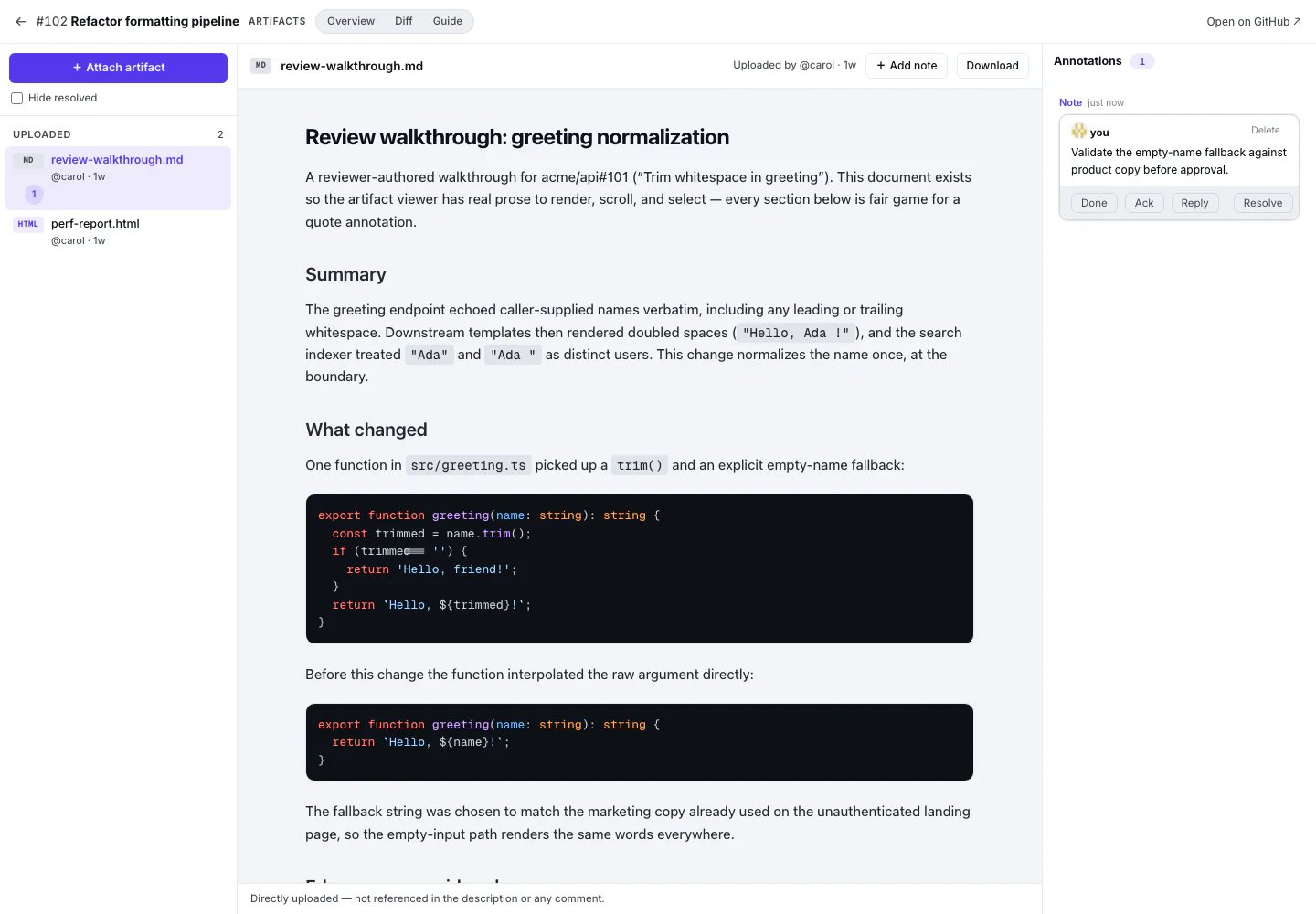
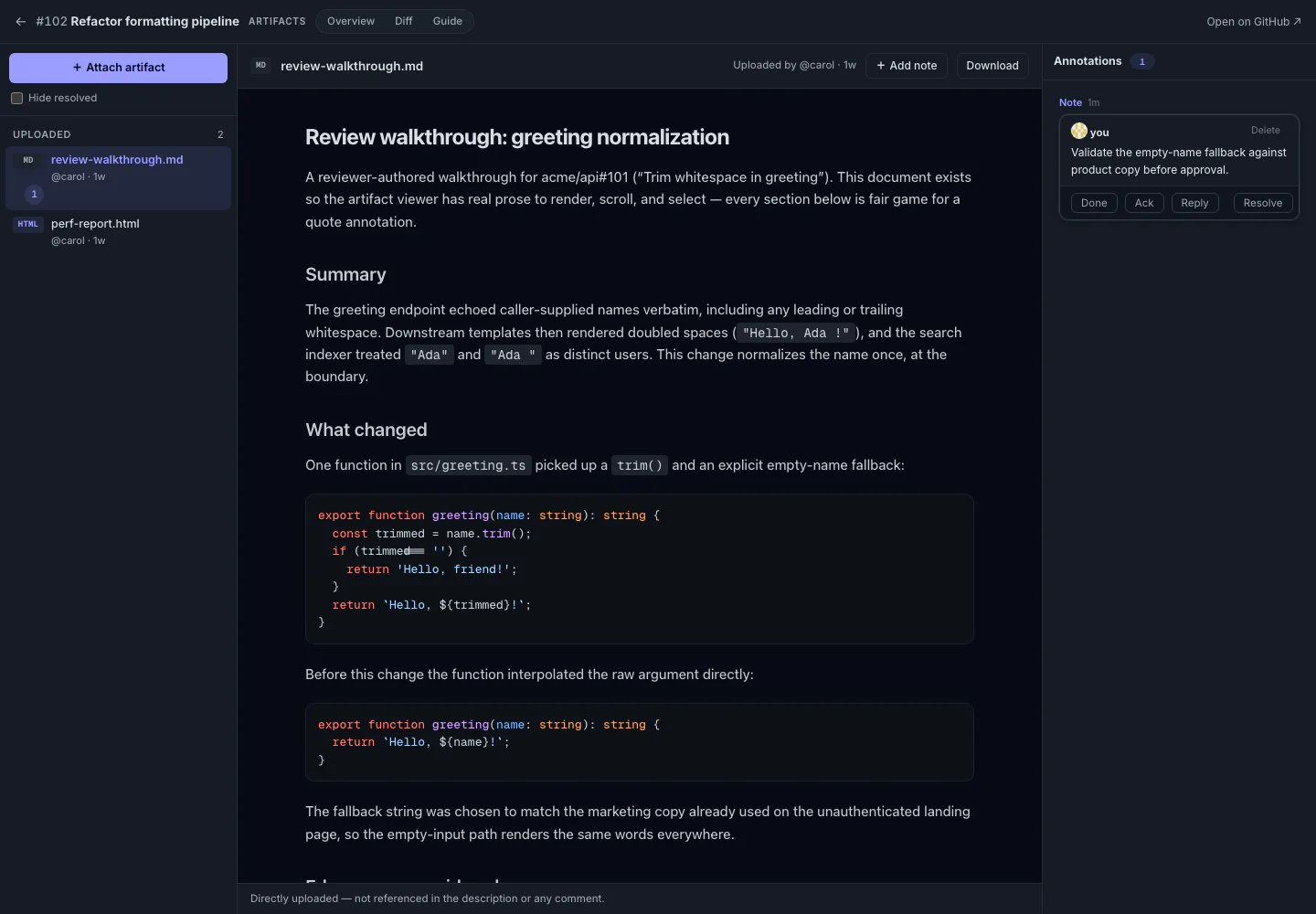
Review pull request artifacts beside the code
See how Plannotator collects hosted PR and MR evidence, preserves its source, and anchors feedback to text, image points, and video timestamps.
Common failure modes
Artifacts improve review only when reviewers understand their limits.- Stale evidence: the artifact demonstrates an earlier revision of the code.
- Broken or expired links: externally hosted evidence disappears or its access rules change.
- Unsafe active content: HTML or SVG is rendered with more authority than it should receive.
- Missing provenance: the reviewer cannot tell whether a person, agent, or workflow created the output.
- Presentation bias: a polished walkthrough makes the change feel safer than the underlying implementation is.
- Incomplete validation: a successful screenshot or test report demonstrates one path, not every relevant behavior.
- Evidence overload: a large pile of generated reports increases review work instead of directing attention.